
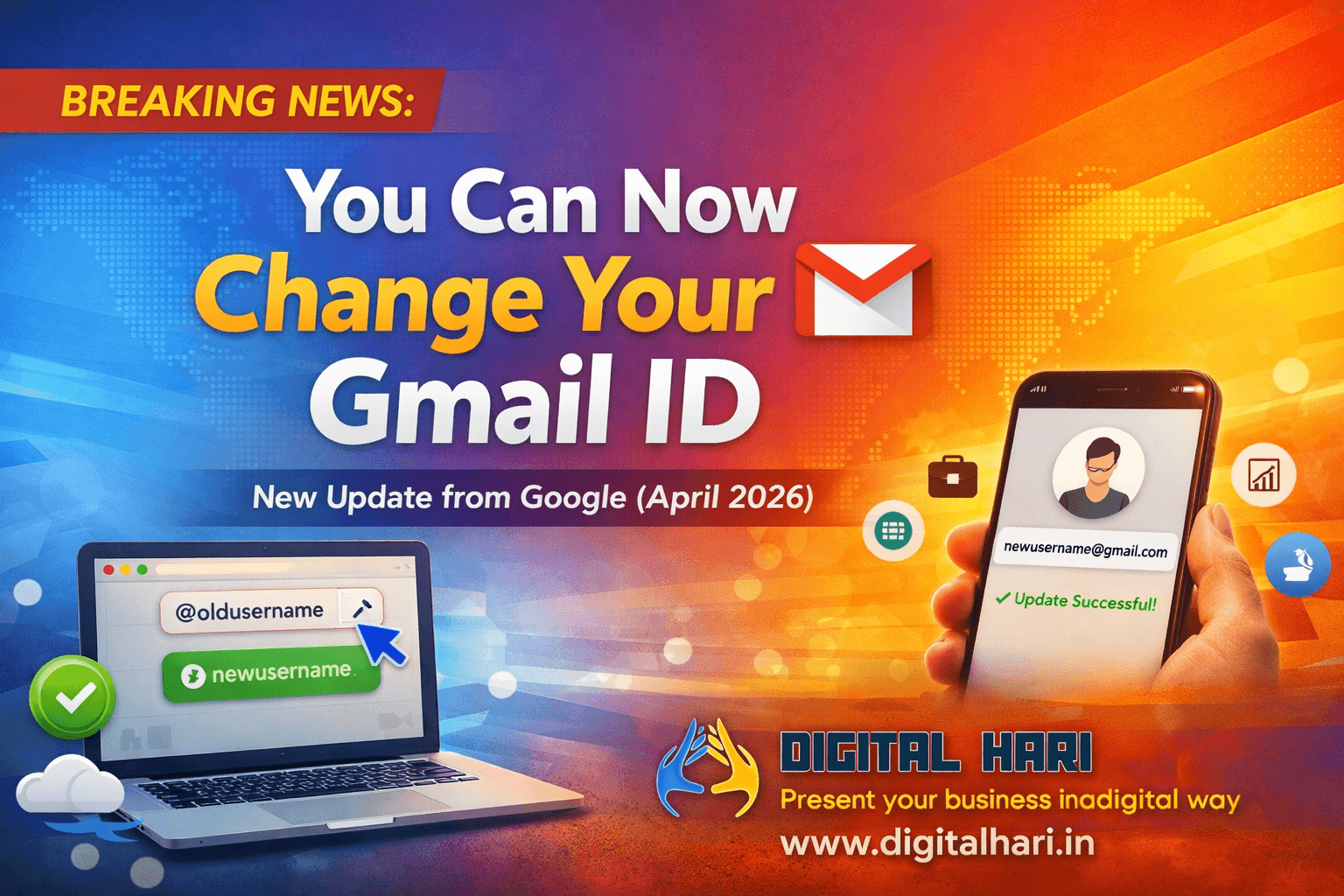
In a long-awaited move, Google has officially introduced the ability to change your Gmail username — something users have been requesting for years. As per the official announcement released in April 2026, this update marks a significant shift in how users manage their Google accounts and digital identity.
At Digital Hari, we constantly track such updates because even small platform changes can create major opportunities in digital marketing, SEO, and personal branding.
Let’s break down what this update means — and why it matters more than you think.
What Exactly Is the Gmail Username Change Feature?
Previously, once you created a Gmail account, your email ID was permanent. The only way to “change” it was by creating a new account — which meant losing data continuity, emails, and integrations.
With this new update, Google now allows users to:
- Change their Gmail username (the part before @gmail.com)
- Retain all existing data (emails, Google Drive, Photos, etc.)
- Continue receiving emails from the old address
- Use the new email as the primary identity
This eliminates one of the biggest limitations users have faced for years.
Why This Update Is a Big Deal for Personal Branding
As a Digital Marketing Consultant, Hariharan Gandhi has seen how something as simple as an email ID can impact credibility.
Many professionals still use outdated or unprofessional email addresses created years ago. This becomes a problem when:
- Communicating with clients
- Building authority on LinkedIn
- Running business email campaigns
- Creating brand trust
Now, with this update, users can align their email ID with their:
- Personal brand
- Business name
- Domain identity
- Professional positioning
This is especially useful for freelancers, entrepreneurs, and business owners.
How to Change Your Gmail Username (Step-by-Step Guide)
Now that Google has introduced this feature, many users are curious about how to actually use it.
Here’s a simple step-by-step process to help you update your Gmail ID without losing your data:
Step 1: Go to Your Google Account Settings
Login to your Google account and navigate to Manage Your Google Account.
Step 2: Open Personal Information
Click on the “Personal Info” tab where your basic account details are listed.
Step 3: Find Email Section
Under contact info, locate your Gmail address. If the feature is available for your account, you will see an option to edit or change your username.
Step 4: Enter New Username
Type your desired new Gmail username. Google will automatically check availability.
Step 5: Verify and Confirm
Once available, confirm the change and complete the verification process.
Step 6: Done — No Data Loss
Your emails, files, and account data remain exactly the same.
Who Should Use This Feature?
This update is not just for everyone — it’s especially useful for specific groups:
🔹 Freelancers & Consultants
If you started your journey with a casual email ID, this is your chance to upgrade to a professional one.
🔹 Business Owners
Align your Gmail ID with your brand name for better credibility and trust.
🔹 Job Seekers
A clean and professional email ID can create a strong first impression with recruiters.
🔹 Content Creators & Influencers
Your email is part of your brand. Consistency matters across platforms.
Real-Life Example: Why This Matters
Let’s say someone created an email like:
👉 hariharannscet@gmail.com
Years later, they run a business called:
👉 Digital Hari
Earlier, they had two options:
- Continue using an unprofessional email
- Create a new email and lose data continuity
Now, with this update, they can simply switch to something like:
👉 digitalhari.chat@gmail.com
This small change can significantly improve:
- Brand trust
- Client perception
- Business communication
What Happens to Your Old Email Address?
One of the biggest concerns users have is about their old email.
Here’s what happens:
- Your old email may still receive messages (depending on Google settings)
- Your new email becomes your primary identity
- No need to inform every contact immediately (but recommended)
However, for business use, it’s always better to:
✔ Update your email everywhere
✔ Maintain consistency across platforms
Common Mistakes to Avoid
Before changing your Gmail username, avoid these common mistakes:
❌ Choosing a random username again
Think long-term. Your email should reflect your brand or name.
❌ Not updating across platforms
Update your email on:
- Website
- Social media
- Business listings
❌ Ignoring branding consistency
Your email, domain, and social handles should align.
Pro Tip from Digital Hari
At Digital Hari, we always recommend this:
👉 If you’re serious about growth, don’t just change your Gmail —
Align your entire digital identity.
That includes:
- Website branding
- SEO strategy
- Social media presence
- Email marketing
Because in today’s AI-driven search world, consistency = authority.
Impact on SEO and Digital Marketing
At first glance, this might seem like a small feature update. But from an SEO and marketing perspective, it has deeper implications.
1. Stronger Brand Consistency
Your email ID is part of your brand identity. When it matches your brand name, it improves trust signals across platforms.
Example:
info@yourbrand.com → good
yourbrand@gmail.com → acceptable
coolboy123@gmail.com → weak branding
Now, users can upgrade their identity without losing account history.
2. Better Lead Conversion
When businesses use professional email IDs, response rates increase. Users are more likely to trust emails from clean, relevant IDs.
This directly impacts:
- Email marketing performance
- Lead generation campaigns
- Client communication
3. Improved Digital Presence
Search engines are increasingly focusing on entity-based SEO and identity signals. Consistency across:
- Domain
- Social profiles
…helps strengthen your online presence.
Things You Should Know Before Changing Your Gmail ID
While this feature is powerful, there are a few important considerations:
- Username availability is limited
- You may not be able to change it frequently
- You’ll need to update your email on third-party platforms
- Branding consistency should be planned before changing
At Digital Hari, we always recommend thinking strategically before making such changes.
How This Connects to AI and Future Search Trends
This update clearly aligns with Google’s larger direction — moving towards AI-driven, identity-focused search ecosystems.
As AI search evolves:
- Personal identity becomes more important
- Brand signals become stronger ranking factors
- Consistency across platforms matters more
Hariharan Gandhi emphasizes that businesses must adapt early to these changes to stay competitive.
How Digital Hari Can Help You Leverage This Update
At Digital Hari, we don’t just follow updates — we help businesses use them strategically.
If you’re planning to upgrade your digital identity, this is the right time to align everything:
Our Key Services:
- SEO Services – Improve your search rankings and visibility
- AI SEO Optimization – Stay ahead in AI-driven search results
- Social Media Marketing – Build brand presence and engagement
- Social Media Ads – Generate high-quality leads through paid campaigns
- WordPress Website Design – Create professional, conversion-focused websites
- eCommerce Website Development – Build scalable online stores
- Email Marketing Services – Improve engagement and ROI
Each of these services plays a role in building a strong, unified digital presence.
Final Thoughts
Google allowing Gmail username changes might look like a small update — but in reality, it’s a powerful step toward flexible digital identity.
In today’s world, your email is not just a communication tool — it’s a part of your brand.
And now, you finally have the freedom to align it with who you are today.
Frequently Asked Questions (FAQs) About Gmail Username Change 2026
1. Can I change my Gmail username without creating a new account?
Yes, as of the April 2026 update, Google allows users to change their Gmail username without creating a new account. You can keep all your existing data, including emails, Google Drive files, and photos.
2. Will I lose my emails if I change my Gmail ID?
No, you will not lose any data. All your emails, contacts, and files remain intact even after changing your Gmail username.
3. Does my old Gmail address still work after changing it?
Yes, your old Gmail address can still receive emails, ensuring you don’t miss any important communication.
4. How often can I change my Gmail username?
Google may restrict frequent changes to prevent misuse. It is recommended to choose your new username carefully before making the change.
5. Why is this update important for personal branding?
Your email ID is a key part of your online identity. A professional and relevant email improves credibility, trust, and brand consistency across platforms.
6. How does this update impact SEO and digital marketing?
This update supports stronger identity signals and brand consistency, which are increasingly important for SEO, AI-driven search, and online visibility.
7. Should businesses update their Gmail ID after this feature?
Yes, businesses and professionals should consider updating their Gmail ID to match their brand name for better trust, recognition, and communication.
8. What should I do before changing my Gmail username?
Before changing your Gmail ID, make sure to: Check username availability Update your email across platforms Align it with your personal or business brand