
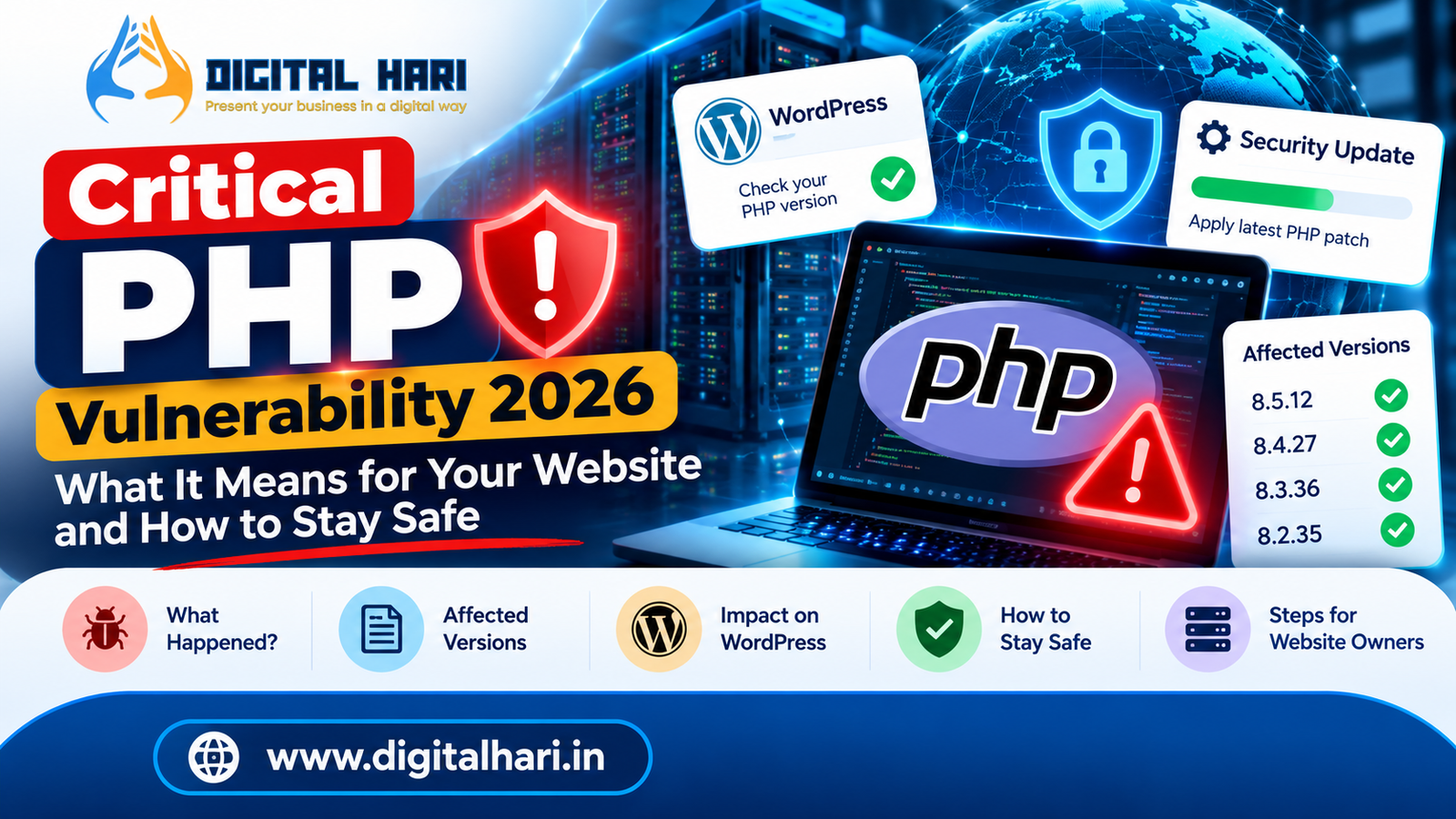
A critical PHP security issue has put website owners, hosting providers, and security teams on alert. On October 21, 2026, the PHP project released security updates addressing two critical vulnerabilities that could allow unauthenticated attackers to execute code remotely on affected servers. The vulnerabilities carry a CVSS v4.0 score of 9.2.
The news matters because PHP powers a wide range of websites and web applications, including WordPress-based sites. The WordPress project has confirmed that these vulnerabilities affect the PHP runtime rather than WordPress itself, and it has advised site owners to update PHP through their hosting provider or server environment.
But what does this mean if you own a business website, run an online store, manage a WordPress blog, or simply use websites that store your personal information?
This guide explains the issue in simple English, what has been confirmed, what remains uncertain, and what website owners should do now.
Important: This article is educational and is not a substitute for the official security advisories or advice from your hosting provider. Security status can change as new information becomes available.
What is PHP, and why does this vulnerability matter?
PHP is a server-side programming language. In simple terms, it helps a website perform tasks behind the scenes before delivering a page to your browser.
For example, when someone logs in to a WordPress website, PHP can help process the login request, retrieve information from a database, and generate the page displayed to that person.
PHP is commonly used in:
-
WordPress websites and blogs
-
Ecommerce platforms and online stores
-
Content management systems
-
Customer portals and web applications
-
Business websites with dynamic functionality
-
Other applications built on PHP
The important distinction is that PHP usually runs on the server, not in your browser. If the PHP runtime on a vulnerable server is compromised, the consequences may extend beyond the website’s visible pages to information and systems the application can access.
The PHP Foundation describes the October 2026 release as fixing two critical remote code execution vulnerabilities.
What happened in the October 2026 PHP security incident?
The PHP security team announced an upcoming critical release on October 20 and published the security updates on October 21, 2026. The release addressed two vulnerabilities affecting PHP’s internal memory management and error-handling behaviour.
The incident became particularly urgent because information about the planned release circulated before the intended disclosure schedule. The PHP Foundation reported that this disruption accelerated public disclosure and the circulation of proof-of-concept material.
The two vulnerabilities are:
-
CVE-2026-109618: A memory-management issue involving out-of-memory conditions.
-
CVE-2026-109619: An issue involving stale internal state and memory that had previously been freed.
Both were reported as capable of enabling remote code execution under affected conditions.
Remote code execution, often abbreviated as RCE, means an attacker may be able to cause a vulnerable system to execute code of their choosing remotely. Depending on the privileges of the affected process and the system’s configuration, that could expose sensitive information or allow further compromise.
This does not mean every PHP website has been hacked. It means affected systems need to be identified, patched, and assessed appropriately.
Which PHP versions have security updates?
The PHP project released these fixed versions on October 21, 2026:
| PHP branch | Security release |
|---|---|
| PHP 8.5 | 8.5.12 |
| PHP 8.4 | 8.4.27 |
| PHP 8.3 | 8.3.36 |
| PHP 8.2 | 8.2.35 |
These releases address the two vulnerabilities described in the official announcements.
Important: These are the fixed versions announced for the listed PHP branches. If your environment uses an older branch, a vendor-maintained package, a container image, or a hosting platform that backports security fixes, do not assume its status from the version number alone. Confirm the applicable fix with the vendor or hosting provider.
The WordPress project also notes that PHP versions before 8.2 no longer receive security updates from the PHP project, although some vendors may provide their own maintenance or backported patches.
For this incident, the PHP Foundation states that updating is the only complete fix; alternative mitigations should not be treated as a substitute for applying the appropriate security patch.
Does this PHP vulnerability affect WordPress websites?
Yes, WordPress websites can be affected if they run on a vulnerable PHP runtime that has not received the relevant security fix.
However, this is not a vulnerability limited to WordPress. The underlying issue is in PHP, so other applications that run on affected PHP versions may also be exposed. The WordPress project has explicitly stated that no separate WordPress core update is required to fix these PHP vulnerabilities.
Consider three examples:
Example 1: A WordPress business website
Updating WordPress and its plugins is good practice, but it does not independently patch the PHP runtime. The site owner should verify the PHP security status with the hosting provider.
Example 2: An ecommerce website
An online store may process customer accounts, orders, and payment-related requests. If its PHP environment is vulnerable, the business should urgently coordinate patching and assess whether any sensitive systems or data could have been exposed.
Example 3: A website hosted on a managed server
The hosting provider may control the PHP runtime and apply security updates centrally. The website owner should contact support and obtain confirmation that the relevant environment has been patched.
If you manage a WordPress website, Digital Hari’s WordPress web development services can help with broader website maintenance and technical improvements. For this particular vulnerability, however, the immediate priority is verifying the PHP runtime and the hosting environment.
How can you check whether your WordPress website uses PHP?
You do not need to be an experienced developer to find the PHP version reported by WordPress.
-
Log in to your WordPress dashboard.
-
Open Tools → Site Health.
-
Select the Info tab.
-
Expand the Server section.
-
Look for the PHP version entry.
These steps are also documented by the WordPress project.
You may also find the PHP version in your hosting control panel, such as cPanel, depending on the hosting setup.
Remember: Finding the version is only the first step. A version number alone may not tell you whether a vendor has backported a security fix. Ask your host to confirm that the PHP runtime serving your website is protected against CVE-2026-109618 and CVE-2026-109619.
What should website owners do immediately?
The recommended response is to verify the affected environment and apply the correct security update, rather than making random configuration changes.
PHP security response checklist
0 of 8 completed
Reset
The UK National Cyber Security Centre advises organisations to identify internet-facing PHP systems, monitor for suspicious activity, apply the updates, and consider taking systems offline if immediate remediation is not feasible.
For a small business website, coordinate with your hosting provider before making disruptive changes. For a critical service that cannot be patched promptly, a qualified security professional should assess whether temporary isolation is necessary.
Is updating WordPress enough to fix the problem?
No. Updating WordPress is important, but the PHP runtime is a separate component.
Think of your website as a house:
-
WordPress is part of the structure and the tools you use inside it.
-
Plugins and themes provide additional features.
-
PHP is part of the underlying system that runs the application.
-
The server and hosting environment provide the infrastructure.
Improving one component does not automatically fix a vulnerability in another.
For this incident, the WordPress project states that no WordPress core release is required to address these PHP vulnerabilities. The required fix belongs in the PHP environment.
That does not mean you should ignore WordPress core, plugins, or themes. They still need their own security updates and maintenance.
Can a firewall or security plugin protect your website?
A web application firewall (WAF) can sometimes block suspicious requests or reduce exposure to particular attack patterns. Hosting providers may also deploy temporary protections while preparing updates.
However, the PHP Foundation’s release guidance says there are no complete mitigations that replace updating the affected PHP runtime.
Do not rely solely on:
-
A WordPress security plugin.
-
A firewall rule.
-
A CDN or proxy.
-
A configuration change copied from a social media post.
-
Hiding the PHP version from public headers.
-
Disabling a feature without confirming that the vulnerable code path is no longer reachable.
These measures may have a role in defence-in-depth, but they should not be mistaken for a confirmed fix.
If your hosting provider says a temporary mitigation is in place, ask when the permanent security update will be applied and how they verified the affected runtime.
Can attackers steal website data through a PHP vulnerability?
Remote code execution can have serious consequences because an attacker may gain the ability to run code with the permissions available to the vulnerable process.
Depending on the environment, those permissions might allow access to:
-
Application configuration files and environment variables.
-
Database credentials and application data.
-
User sessions and authentication tokens.
-
API keys available to the application.
-
Files and services accessible to the PHP process.
These are potential consequences of server compromise, not proof that every affected website has experienced data theft.
The real impact depends on factors such as the vulnerable configuration, process permissions, network isolation, secrets management, and whether an attacker successfully exploited the issue. The PHP Foundation explains that the two vulnerabilities can allow remote code execution under affected conditions.
If you operate a website that stores customer or business information, do not assume that installing a patch proves no data was accessed beforehand. If there are signs of compromise, investigate the incident and follow applicable notification and legal obligations.
What should ordinary internet users do?
If you simply browse websites, you generally cannot update the PHP runtime on someone else’s server. That responsibility belongs to the website owner or service provider.
You can still take sensible precautions:
-
Use unique passwords for different services.
-
Enable multifactor authentication where available.
-
Use a password manager to reduce password reuse.
-
Keep your own devices, operating systems, and browsers updated.
-
Be alert for genuine security notices from services you use.
-
Change credentials when a provider confirms exposure or when there is a credible reason to believe they were compromised.
-
Review important accounts for unusual activity when a relevant service reports an incident.
A PHP vulnerability does not automatically mean Gmail, Google Drive, your browser, or every website you visit has been compromised. Whether a particular service is affected depends on its technology stack, exposure, and patch status.
For ordinary users, changing every password immediately without any evidence or guidance may be unnecessary. Prioritise unique passwords, multifactor authentication, and credible updates from the affected service.
Why are outdated PHP versions a serious concern?
A major challenge with website security is that old websites can continue operating long after their original developers stop maintaining them.
An older application might depend on an unsupported PHP branch, obsolete plugins, custom code, or a server configuration that no one has reviewed in years.
The PHP project states that versions before PHP 8.2 no longer receive security updates from the project. Some hosting providers and Linux distributions may offer their own patches, but that needs to be verified for the specific environment.
If your website is running an outdated PHP version, do not blindly switch to the newest available version without testing. Plan a controlled upgrade:
-
Back up the website files and database.
-
Confirm the hosting provider supports a suitable PHP branch.
-
Review theme, plugin, extension, and custom-code compatibility.
-
Test the upgrade in a staging environment where possible.
-
Apply the supported security update and test essential features.
-
Monitor logs and website functionality after deployment.
For a business site, routine SEO and website optimization should go hand in hand with technical maintenance. Performance, compatibility, security, and availability all contribute to a dependable website experience.
Frequently Asked Questions About the PHP Security Vulnerability
1. What is the PHP vulnerability reported in October 2026?
The PHP project released updates on October 21, 2026, to fix two critical vulnerabilities, CVE-2026-109618 and CVE-2026-109619. Under affected conditions, both can allow remote code execution on PHP servers.
2. Is WordPress itself vulnerable?
The reported flaws are in the PHP runtime, not WordPress core. WordPress sites can nevertheless be exposed if their server runs a vulnerable, unpatched PHP environment.
3. Which PHP versions have fixes?
The PHP project announced fixes in PHP 8.5.12, 8.4.27, 8.3.36, and 8.2.35. For older or vendor-maintained versions, confirm the security status with the provider responsible for your specific PHP package.
4. Do I need to update WordPress to fix this vulnerability?
A WordPress core update is not the fix for these particular vulnerabilities. The WordPress project says no separate WordPress core update is required; the PHP runtime must be patched. Continue applying normal WordPress, plugin, and theme security updates as well.
5. Can a security plugin protect my website?
A security plugin may provide additional protection, but it should not be treated as a replacement for the required PHP security update. Confirm the actual patch status with your hosting provider.
6. Should I change all my passwords?
Not automatically. Use unique passwords and multifactor authentication, and change credentials if a service reports exposure or an incident investigation identifies a reason to do so. If you manage the affected server, assess whether credentials or tokens accessible to the application may have been exposed.
7. Can I check whether a website I visit has been patched?
Ordinary visitors generally cannot reliably verify a remote website's PHP patch status from its public pages. A displayed PHP version may be missing, misleading, or insufficient to establish whether a vendor backported a fix. Ask the service provider for confirmation if you have a specific concern.
8. What should I do if my hosting provider cannot patch immediately?
Contact the provider urgently and request a clear remediation plan. For critical or internet-facing systems, a qualified security team should assess temporary isolation if immediate remediation is not possible. The UK National Cyber Security Centre recommends considering taking affected systems offline when immediate remediation is infeasible.
Final Thoughts: Do Not Ignore PHP Security Updates
The October 2026 PHP security incident is a reminder that website security depends on more than updating a CMS or installing a security plugin.
The PHP runtime, server configuration, plugins, themes, dependencies, and hosting infrastructure all need appropriate maintenance.
If you own a WordPress website or manage a business application, start by identifying the PHP environment, confirming whether the relevant patch has been applied, and checking with your hosting provider if anything is unclear. If compromise is suspected, investigate it rather than assuming that an update alone resolves every risk.
Most importantly, avoid relying on unverified social media claims or configuration workarounds. Follow the official advisories and the guidance of the people responsible for your server.
About Digital Hari
Digital Hari is a digital marketing and website solutions brand founded by Hariharan Gandhi. Its services include SEO, WordPress website development, content marketing, and AI Search optimization.
For website owners who need help maintaining and improving their online presence, explore Digital Hari’s website development services and SEO services.
Visit https://digitalhari.in/ to learn more.