Imagine someone opening ChatGPT and asking:
- Which web development company can build my business website?
- Where can I find a reliable digital marketing agency?
- Which online store sells this product?
- Can you recommend a service provider near me?
- Which company offers SEO services in my country?
What happens if ChatGPT does not have accurate information about your business?
This is an important question for business owners as more people use AI tools to research companies, compare services, discover products, and make buying decisions.
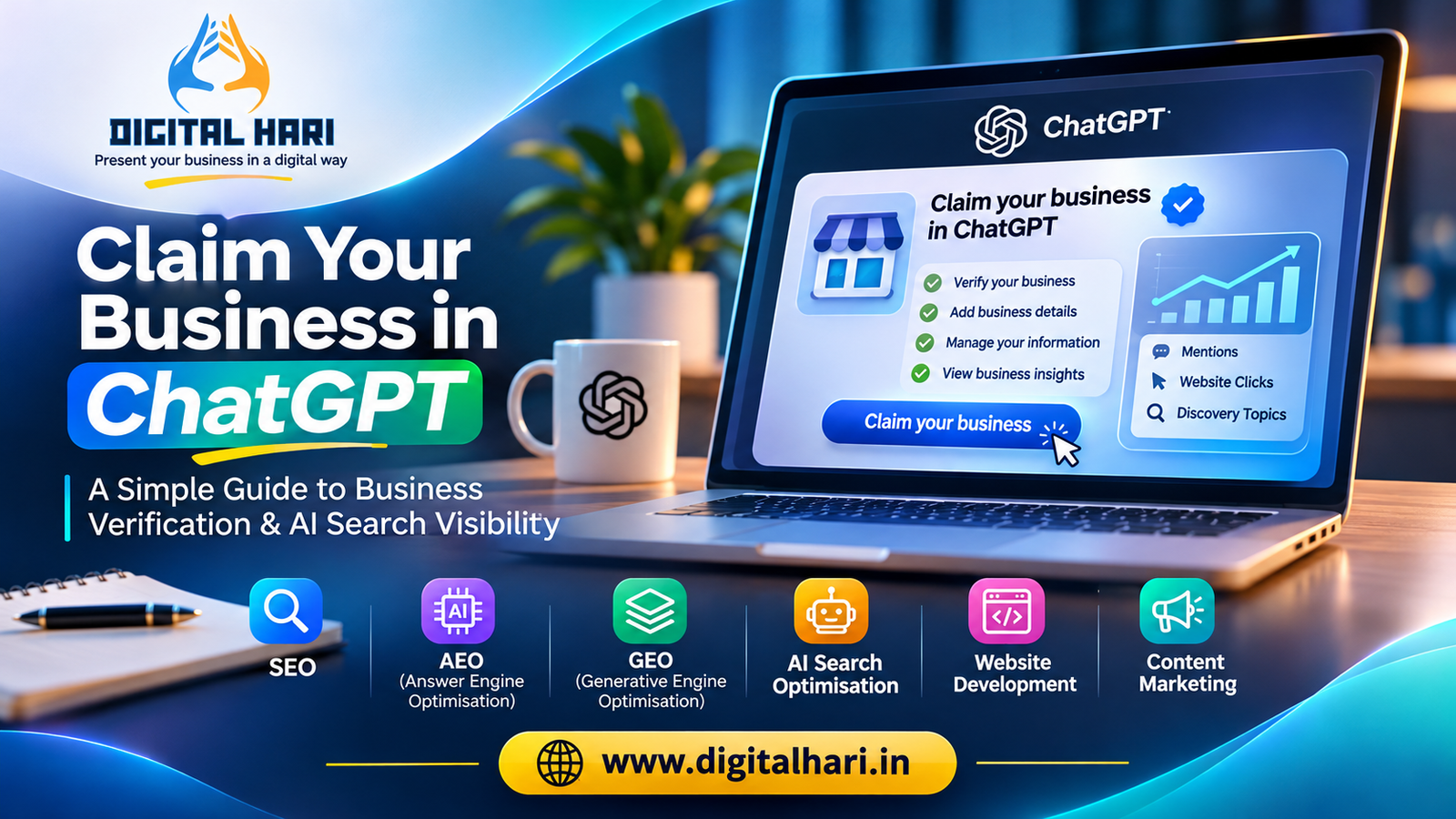
OpenAI has introduced a new feature called Businesses in ChatGPT, which allows eligible businesses to claim their business information through Business Hub.
This gives businesses a way to manage their information, provide product details, and understand how people discover and interact with them through ChatGPT.
For business owners, this is an important development in the changing world of digital marketing.
But what exactly does claiming your business mean? How do you do it? Does it help your website appear in ChatGPT answers? Is it available for businesses outside the United States? And how is it connected to SEO, AEO, and GEO?
Let’s understand everything in simple language.
What Does Claim Your Business in ChatGPT Mean?
Claiming your business in ChatGPT means verifying that you own or are authorised to represent a business and managing its information through OpenAI’s Business Hub.
Think of it as a way to provide ChatGPT with accurate information about your company.
You may be able to provide details such as:
- Business name.
- Website address.
- Business description.
- Business category.
- Contact information.
- Products and services.
- Product prices and availability, where supported.
- Other business information requested during setup.
After completing the required verification and approval, eligible businesses can manage their profiles and access available business insights.
For example, imagine you own a web development company.
You can provide information explaining that your business offers WordPress development, website design, eCommerce development, and website maintenance.
This helps you maintain an official source of business information within the ChatGPT business ecosystem.
Important: Claiming your business does not automatically make ChatGPT recommend your company. It also does not guarantee better rankings or increased visibility. ChatGPT continues to make its own recommendations.
What Is ChatGPT Business Hub?
Business Hub is OpenAI’s dedicated place for businesses to manage their presence in ChatGPT.
It brings together several business-related features.
Claim and manage your business
Eligible businesses can claim an existing business profile or add a new business where the required setup and verification are supported.
Update business information
After approval, businesses can manage information such as their website, description, category, logo, and other available details.
Add product information
Eligible businesses that sell products can provide product information through supported product feeds.
This can include details such as product names, prices, and availability.
View business insights
Business Hub provides aggregated information about how people engage with your business in ChatGPT.
Available insights include:
- Business mentions.
- Website clicks.
- Discovery topics.
These insights help businesses understand how their information is appearing in ChatGPT.
Business Agents
OpenAI also offers Business Agents, which can help customers ask questions about a company’s products and policies.
However, Business Agents are separate from simply claiming a business. They have additional eligibility requirements and are currently available to eligible eCommerce and online-service businesses in the United States.
You do not need to publish an agent or run advertisements just to claim an eligible business.
Why Should Businesses Claim Their Business in ChatGPT?
People are changing how they search for information.
In the past, a customer might open Google and search for a web development company in their city.
Today, that customer might ask ChatGPT to compare companies, explain their services, or suggest suitable options.
This creates a new opportunity for businesses to maintain accurate information about themselves.
Here are some reasons why Business Hub is worth understanding.
Keep your business information accurate
Your business may have information published across your website, social media profiles, directories, and other platforms.
Sometimes these details do not match.
For example:
- Your website shows an old phone number.
- A business directory displays an outdated address.
- Your social media profile uses an old business description.
- Your website does not clearly explain your services.
Business Hub gives eligible businesses another place to manage their information.
Help customers understand your services
A clear business description helps explain what your company does.
Instead of writing something general such as “We provide digital solutions”, explain your actual services.
For example:
“We provide WordPress website development, SEO, eCommerce development, and digital marketing services for businesses.”
Simple descriptions are easier for customers to understand.
Understand how people discover your business
Business Hub provides insights into mentions, website clicks, and discovery topics.
This can help you understand how your website is referenced in ChatGPT.
You can use this information alongside Google Analytics and other website reporting tools to understand your wider digital performance.
Prepare for changing customer search behaviour
AI-powered discovery is becoming an additional way for people to explore businesses.
Claiming your business is one useful step towards managing your information in this changing environment.
It should be part of a wider digital strategy, not your entire marketing strategy.
How to Claim Your Business in ChatGPT
The process is straightforward, but you need to prepare your business information before starting.
Follow these steps.
Step 1: Open ChatGPT Business Hub
Visit the official Business Hub:
https://chatgpt.com/business-hub
Sign in using your ChatGPT account.
Search for your business name to check whether a business profile already exists.
If you find your business, select the matching listing and follow the claiming instructions.
If you cannot find it, check whether ChatGPT offers an option to add a new business.
The available options depend on your business type and location.
Step 2: Choose Your Business Type
ChatGPT may ask how customers interact with your business.
For example, customers may interact with your company through:
- A business website.
- An online store.
- A physical business location.
Choose the option that correctly describes your business.
An online service company and a local restaurant may have different setup options.
Step 3: Verify Your Business Website
If website domain verification is offered, ChatGPT will provide DNS verification details.
You may need to add a TXT record to your domain’s DNS settings.
Here is the basic process:
- Open your domain registrar or DNS hosting account.
- Find the DNS management section.
- Select the option to add a new DNS record.
- Choose TXT as the record type.
- Copy the TXT record name and value provided by ChatGPT.
- Save the DNS record.
- Return to ChatGPT Business Hub.
- Select the domain verification option.
Make sure you copy the record details exactly as provided.
DNS changes may take some time to become visible.
If you do not manage your domain yourself, ask your hosting provider or website developer to help.
Other verification methods may include a business phone number, business email, or Shopify connection, depending on what is offered for your business.
Step 4: Add Your Business Information
After completing the required domain or other verification steps, you may be asked to provide more information about your business.
This can include:
- Public business name.
- Legal business name.
- Business category.
- Business description.
- Website address.
- Business contact details.
- Business location.
- Business registration information, where requested.
Make sure these details match your official business records.
Do not enter inaccurate or incomplete information simply to finish the process.
Step 5: Complete Identity Verification
OpenAI may require identity verification through Persona.
Depending on your business and the verification route, you may need:
- Government-issued identification.
- Business registration details.
- Proof that you are authorised to represent the company.
- Other information requested during verification.
Complete the process using the official instructions.
Claiming a business and receiving a verified blue badge are not exactly the same thing. The badge is associated with approved identity verification.
Step 6: Wait for Approval
After submitting your details, OpenAI reviews the business claim.
You may receive an email confirming approval or requesting additional information.
You can check your claim status through Business Hub.
Once approved, you can access the available business management features.
Step 7: Review Your Business Profile
After the required verification is complete, review the information displayed in your business profile.
Check:
- Business name.
- Website.
- Description.
- Category.
- Contact information.
- Logo.
- Other available business details.
Make sure everything is accurate and represents your company properly.
OpenAI reviews and publishes business information updates. Changes may take time to appear in a profile or ChatGPT answer.
What Information Should You Prepare Before Claiming Your Business?
Before opening Business Hub, collect your business information.
This will make the process easier.
| Information | Why it matters |
|---|---|
| Business name | Identifies your company |
| Business website | Connects your profile to your website |
| Business email | Provides a business contact method |
| Business phone | May be used for verification or contact |
| Business category | Explains your industry |
| Business description | Helps explain what your company offers |
| DNS access | May be needed for website verification |
| Legal business details | Supports business verification |
| Government ID | May be required for identity verification |
| Business logo | Helps identify your brand |
Some information may be optional, and the exact requirements depend on the verification method and your business location.
Keep your official business documents available in case additional details are requested.
How to Write a Good Business Description for ChatGPT
Your business description is important because it explains what your company does.
Avoid vague descriptions.
For example:
Weak description:
“We are a leading company providing the best digital solutions.”
This does not explain what the business actually offers.
Better description:
“We are a digital marketing and website development company providing SEO, WordPress development, website design, content marketing, and AI search optimisation services for businesses.”
This gives customers a clearer understanding of your services.
A good business description should answer four simple questions:
- What is your business?
- What products or services do you offer?
- Who are your customers?
- Which locations or markets do you serve?
Use natural language. Include the services your customers actually search for, but avoid repeating keywords unnecessarily.
For example, a restaurant should describe its cuisine, location, and dining options. A software company should explain its products and the problems they solve.
The goal is to make your business easy to understand, not to fill the description with marketing phrases.
Is Claiming Your Business in ChatGPT Available Worldwide?
This is an important question for businesses outside the United States.
OpenAI’s guidance says eligible businesses can claim their business where ChatGPT is available and the required verification is supported.
However, availability depends on the business location and type.
There are some important differences.
Online businesses
Eligible online businesses may be able to claim their business through Business Hub, subject to the available verification process.
This can be relevant to website development companies, digital marketing agencies, online service providers, and eCommerce businesses.
Local shops and restaurants
OpenAI’s current Help Center guidance says local stores and restaurants can currently claim an existing United States listing.
This is more limited than the online business claiming process.
Businesses in India, Malaysia, the UK, and other markets
Businesses in these countries should check the options displayed in Business Hub rather than assume every type of business can currently be claimed.
If you operate an online business, check whether your business category, country, and verification method are supported.
Feature availability can change as OpenAI expands the service.
What Are ChatGPT Business Insights?
One of the interesting features of Business Hub is the ability to understand how people engage with your business in ChatGPT.
OpenAI provides aggregated insights.
The main measurements include the following.
Business mentions
A mention helps you understand how often ChatGPT references your business.
For an online business, the website must be referenced for the activity to count as a mention. Simply mentioning a brand name does not necessarily count.
For local businesses, a displayed result for a location can count as a mention.
Website clicks
Website clicks show how often users click through from ChatGPT to your website.
This can help you understand whether ChatGPT is sending visitors to your website.
Discovery topics
Discovery topics show common themes in ChatGPT answers where your business was mentioned or cited.
For example, a web development business might see themes related to website design or WordPress development.
These insights can help you understand the topics associated with your business.
Can you see what customers ask ChatGPT?
No. Business Hub does not provide individual customer conversations or personal prompts.
The insights are aggregated to protect user privacy.
Also, a blank metric does not necessarily mean there was no activity. It may mean that the reporting threshold has not been reached or data is not yet available.
Does Claiming Your Business Improve ChatGPT Rankings?
This is one of the most important questions.
No, claiming your business does not guarantee that ChatGPT will recommend your company more often.
It gives eligible businesses a way to manage the information they provide and access available insights.
ChatGPT continues to make independent recommendations based on the information and sources available to it.
Think of Business Hub as an additional business information management tool, not a shortcut to AI rankings.
For better overall online visibility, businesses should continue to work on:
- A useful and informative website.
- Accurate business information.
- Clear service and product pages.
- Helpful content.
- Technical SEO.
- Good website performance.
- Genuine customer reviews.
- Consistent business details across platforms.
Claiming your business is one part of a larger digital presence strategy.
What Is the Difference Between SEO, AEO, GEO and AI Search Optimisation?
You may have heard these terms while researching AI search.
They are related, but they do not mean exactly the same thing.
SEO – Search Engine Optimisation
SEO helps your website become easier to discover through traditional search engines such as Google and Bing.
It includes:
- Keyword research.
- Website optimisation.
- Technical SEO.
- Content development.
- Internal linking.
- Website performance.
- Search visibility improvements.
AEO – Answer Engine Optimisation
AEO focuses on making information easy to understand and use in systems that provide direct answers.
For example, a business website can answer questions such as:
- What services do you offer?
- How much does website development cost?
- How long does an SEO project take?
- Which locations do you serve?
Clear answers help both people and information systems understand your content.
GEO – Generative Engine Optimisation
GEO focuses on improving how your business and content are understood and potentially referenced by generative AI platforms.
This includes creating useful, accurate, well-organised content and building a credible online presence.
AI Search Optimisation
AI Search Optimisation is a broader approach to preparing your website and business information for AI-powered discovery.
It can involve SEO, AEO, GEO, structured information, content quality, and brand consistency.
These approaches work together. They are not replacements for a well-maintained website or a strong SEO foundation.
How to Prepare Your Website for ChatGPT and AI Search
Claiming your business is useful, but your website remains an important source of information about your company.
If your website does not clearly explain your services, products, and business details, potential customers may struggle to understand what you offer.
Here are practical improvements to consider.
Create clear service pages
Each important service should have its own page.
For example, a digital marketing agency may have separate pages for:
- SEO services.
- Website development.
- WordPress development.
- Content marketing.
- Social media marketing.
- AI search optimisation.
Explain what each service includes, who needs it, and how customers can get started.
Keep your business information consistent
Your business name, website, address, and contact details should be accurate across your website and relevant business listings.
Correct outdated information.
If your company has changed its name or address, update the places where customers may find the old details.
Publish helpful content
Do not publish articles only to include keywords.
Answer real customer questions.
For example, a website development company can publish guides about choosing a CMS, improving website speed, maintaining WordPress, and planning an eCommerce website.
A digital marketing agency can publish practical SEO guides, website improvement tips, and AI search explanations.
Use structured website information
Structured data can help describe information about your business, services, products, and other page content.
Depending on your business, relevant schema types may include Organization, LocalBusiness, Service, Product, and FAQPage where appropriate.
However, schema markup does not guarantee that your business will appear in ChatGPT recommendations.
Make your website technically accessible
Check that important website pages can be accessed by search engines and other permitted systems.
Review:
- Robots.txt settings.
- Sitemap availability.
- Canonical URLs.
- Broken links.
- Mobile responsiveness.
- Page loading speed.
- HTTPS security.
- Internal links.
A technically healthy website makes it easier to discover and understand your content.
Build a trustworthy online presence
Your website should match the information customers find elsewhere.
Use genuine business details, relevant customer feedback, clear contact information, and useful content.
Avoid fake reviews, misleading claims, and unnecessary keyword repetition.
For professional website improvements, businesses can explore WordPress development and website optimisation services.
How Can Small Businesses Benefit From ChatGPT Business Hub?
You do not need to be a large company to pay attention to AI search.
Small businesses can also prepare their online presence.
Consider these examples.
A local restaurant: Keep its menu, website, business details, and customer information accurate. Check whether its location is eligible for the current claiming process.
A clothing store: Maintain clear product descriptions, prices, images, and availability. Eligible online retailers can explore product feed options.
A digital marketing agency: Explain its services, target customers, and business website clearly.
A freelancer: Maintain a professional website, describe specialised services, and provide accurate contact information. Check whether the business profile options apply to the freelancer’s business type.
An eCommerce company: Review its product data and explore supported product feed integrations.
The common principle is simple: make your business information accurate, clear, and useful.
Common Mistakes to Avoid When Claiming Your Business
Before submitting your business, be aware of these mistakes.
Using an incorrect business name
Use the name that customers recognise and provide legal details where requested.
Writing a vague description
Explain what you actually do instead of using generic phrases such as “best service provider”.
Entering outdated contact details
Check your website, email, phone number, and address before submitting.
Ignoring domain verification
If DNS verification is required, add the exact TXT record provided by ChatGPT.
Assuming approval means better rankings
A verified business profile does not guarantee recommendations or search visibility.
Confusing a business claim with a Business Agent
Claiming your business and publishing a Business Agent are separate activities.
Ignoring your website after claiming
Business Hub does not replace website maintenance, SEO, content marketing, or other digital marketing work.
What Should Businesses Do After Claiming Their Business?
Your work should not stop after verification.
Use the following checklist to maintain your online presence.
Review your business profile.
- Check your business name and website.
- Update your business description.
- Verify your contact details.
- Add relevant products or services where supported.
- Review available business insights.
- Check your website for outdated information.
- Update your important service pages.
- Publish useful content regularly.
- Review your SEO and AI search visibility.
Make these activities part of your regular digital marketing routine.
Frequently Asked Questions About Claiming Your Business in ChatGPT
1. What is Claim Your Business in ChatGPT?
It is an OpenAI feature that allows eligible businesses to claim and manage their business information through Business Hub after completing the required verification.
2. Where can I claim my business in ChatGPT?
Visit https://chatgpt.com/business-hub, sign in, search for your business, and follow the available claiming and verification instructions.
3. Is claiming a business in ChatGPT free?
OpenAI's current setup guidance says you do not need an advertising account or ChatGPT Enterprise agreement to claim an eligible business. Check the official Business Hub for any additional requirements or paid services.
4. Can businesses in India claim their business in ChatGPT?
Potentially, if the business is eligible and the required verification method is supported in its location. Availability depends on business type and location. Check the options displayed in Business Hub.
5. Do I need a website to claim my business?
The verification options depend on your business type. Website domain verification is one supported method, while other options may include business phone, email, or Shopify verification. Follow the options offered for your business.
6. Does claiming my business improve ChatGPT rankings?
No. Claiming gives you control over the information you provide, but it does not guarantee higher visibility or more recommendations.
7. How do I verify my website in ChatGPT?
If website verification is offered, add the TXT record supplied by ChatGPT to your domain's DNS settings and return to Business Hub to complete verification.
8. What is the difference between business verification and a blue badge?
Business claiming and identity verification are separate steps. The blue verified badge appears after the required Persona identity verification is approved.
9. Can I see how many people find my business through ChatGPT?
Eligible verified businesses can access aggregated insights such as mentions, website clicks, and discovery topics. Individual customer conversations and prompts are not shared.
10. Does ChatGPT Business Hub replace Google Business Profile?
No. They are separate services. Businesses should continue maintaining relevant Google Business Profile information and other online listings.
11. Can I claim multiple business locations?
Each distinct brand and location may need to be managed separately. Business Hub does not currently provide central management for every parent company, brand, and location.
12. Can freelancers claim their business in ChatGPT?
Freelancers who operate eligible businesses can check whether they qualify for a business profile. Availability depends on the business type, location, and supported verification process.
Conclusion: Make Your Business Ready for the AI Search Era
The way customers discover businesses is changing.
People still use Google, social media, business directories, and websites. But AI-powered tools such as ChatGPT are becoming another way to explore companies, compare services, and find products.
OpenAI’s Business Hub gives eligible businesses a new way to manage their information and understand how people engage with them through ChatGPT.
But remember: claiming your business is only one step.
Your website still needs clear information. Your services need properly written pages. Your business details should be accurate. Your content should answer real customer questions. Your online presence should be consistent and trustworthy.
Do not depend on one platform or one feature for your entire digital marketing strategy.
Build a strong foundation with SEO, useful content, website development, AEO, GEO, and AI Search Optimisation.
The goal is not just to claim your business. It is to make your business easier to understand, discover, and trust wherever customers search.
Need Help Preparing Your Website for AI Search?
At Digital Hari, we help businesses strengthen their online presence through SEO, website development, content marketing, and AI-focused search optimisation.
Explore our services:
- SEO Services
- AI Search Optimisation
- Generative Engine Optimisation (GEO)
- Answer Engine Optimisation (AEO)
- WordPress Web Development
- Website Design and Development
- Content Marketing
Visit Digital Hari to learn how to build a stronger digital presence for your business.